Local
Deploy an agent from agentregistry to your local environment.
Local deployments spin up Docker containers on your local machine from images that exist on your machine or that can be pulled from the image location reference that agentregistry points to.
Before you begin
- Follow the Get started guide to set up agentregistry and start the agentregistry daemon.
- Publish an agent.
Deploy the agent
-
Save your Gemini API key as an environment variable. To retrieve your API key, log in to the Google AI Studio and select API Keys. The key is used to interact with the agent via the Gemini LLM provider.
export GOOGLE_API_KEY=<apikey> -
Deploy the agent to your local environment. The following command spins up a Docker container by using Docker compose.
arctl deployments create myagent --type agentExample output:
Agent 'myagent' version 'latest' deployed to local provider (providerId=local)If the deployment fails, a deployment entry is still created in the database and set to failed. You can view failed deployments by using thearctl deployments listcommand. Note that you cannot re-deploy a failed deployment to fix it. Instead, remove the failed deployment witharctl deployments delete <deployment-ID>and then re-run thearctl deployments createcommand. -
Verify that the deployment was created.
arctl deployments listExample output:
ID NAME VERSION TYPE PROVIDER STATUS AGE be6b09e5 myagent latest agent local deployed 1m -
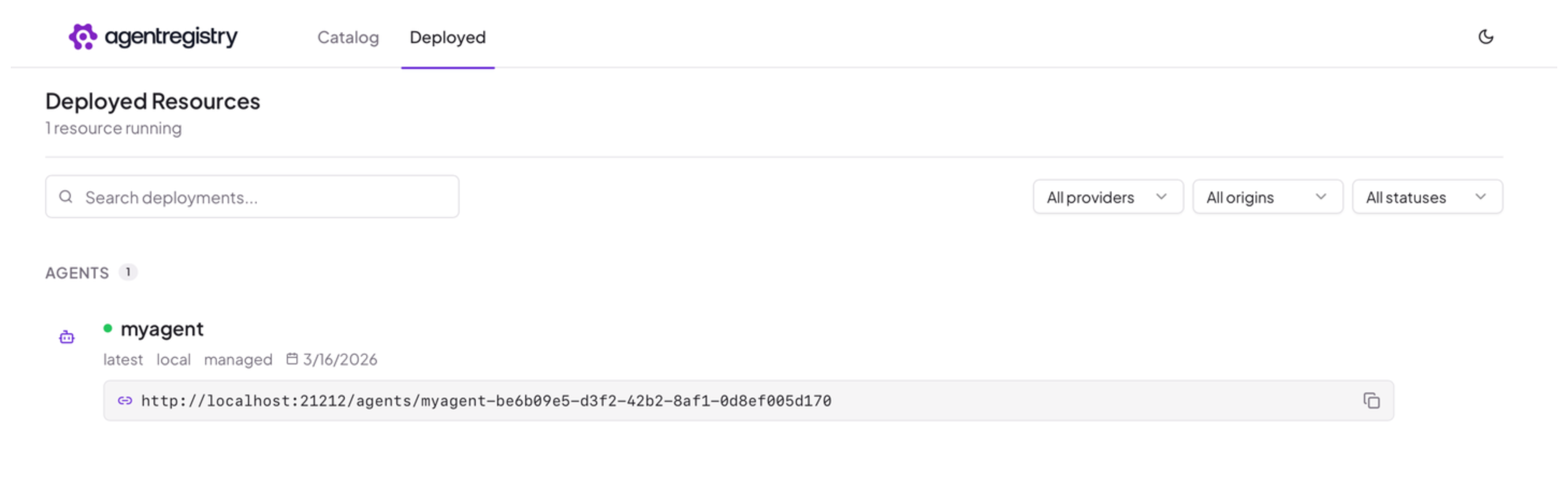
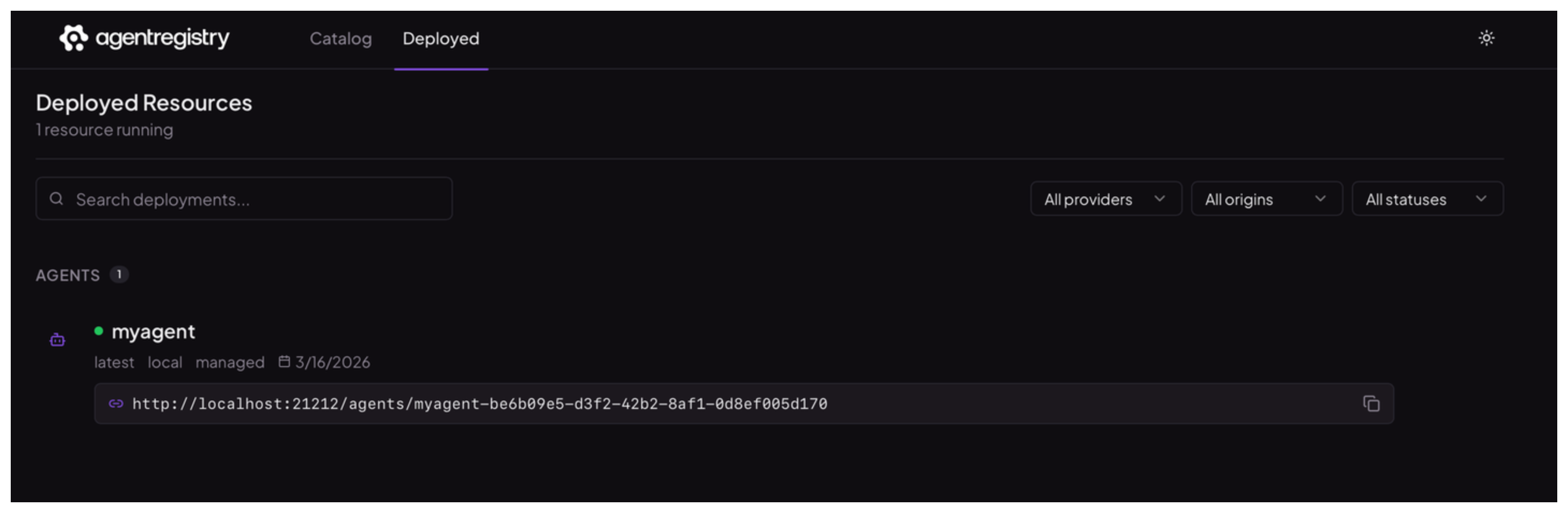
Optional: Open the agentregistry UI and go to the Deployed view. Verify that you see the deployed agent.
Cleanup
You can remove a deployment from the UI or CLI.
- Open the agentregistry UI and go to the Deployed view.
- Find the agent deployment that you want to remove and click the trash icon.
-
List the deployments in your environment and find the one that you want to delete.
arctl deployments list -
Remove the deployment.
arctl deployments delete <deployment-ID>