Create and publish
Quickly create a prompt and publish it to agentregistry.
About prompts
Prompts are reusable, versioned text strings that serve as system instructions for agents. Instead of hardcoding instructions in agent code, you can publish prompts to agentregistry and reference them in your agent’s agent.yaml file. When the agent runs, the prompt content is automatically resolved from the registry and used as the agent’s instruction.
Prompts are plain text. You write the instruction content in a .txt file (or any text file) and publish it with a name and version. You can also use a YAML file for structured definitions.
Before you begin
Follow the Get started guide to set up agentregistry and start the agentregistry daemon.
Create a prompt
Write your prompt content to a text file.
cat > code-review-prompt.txt << 'EOF'
You are an expert code reviewer. When reviewing code:
1. Check for bugs and logic errors
2. Identify security vulnerabilities
3. Suggest performance improvements
4. Ensure code follows best practices and is readable
5. Be constructive and specific in your feedback
EOF
Publish the prompt
-
Publish the prompt in agentregistry. You can pass the details in CLI flags or use a prompt definition YAML file.
Use the
arctlCLI to define the details of your prompt, such as the name and version.Publish the prompt to agentregistry. The
--nameand--versionflags are required when publishing from a text file.arctl prompt publish code-review-prompt.txt \ --name code-review \ --version 1.0.0 \ --description "System prompt for code review agent"Example output:
Publishing prompt 'code-review' version 1.0.0 from: /Users/myuser/code-review-prompt.txt
✓ Prompt 'code-review' version 1.0.0 published successfully!
Note
Use
--dry-runto preview the prompt payload without publishing. For more information, see the arctl prompt publish command.For structured prompt definitions, you can use a YAML file. This lets you set all fields in one place instead of using CLI flags.
-
Create a YAML file with your prompt definition.
cat > my-prompt.yaml << 'EOF' name: code-review description: System prompt for code review agent version: 2.0.0 content: | You are a senior code reviewer specializing in production systems. Focus on: correctness, security, performance, and maintainability. Always provide specific line references and actionable suggestions. EOF -
Publish the YAML file directly. Name and version are read from the file.
arctl prompt publish my-prompt.yaml
-
-
Verify the prompt was published.
arctl prompt listExample output:
NAME VERSION DESCRIPTION code-review 1.0.0 System prompt for code review agent -
View the prompt details.
arctl prompt show code-reviewExample output:
PROPERTY VALUE Name code-review Description System prompt for code review agent Version 1.0.0 Status active Content You are an expert code reviewer. When reviewing code: 1. Check for bugs and logic errors 2. Identify security vulnerabilities 3. Suggest performance improvements 4. Ensure code follows best practices ... -
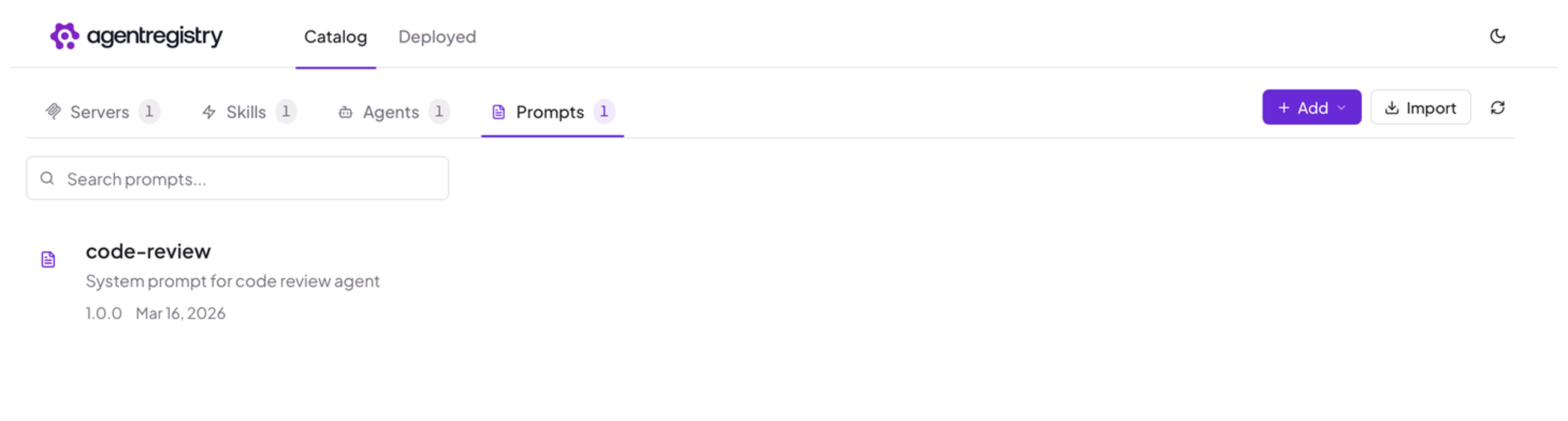
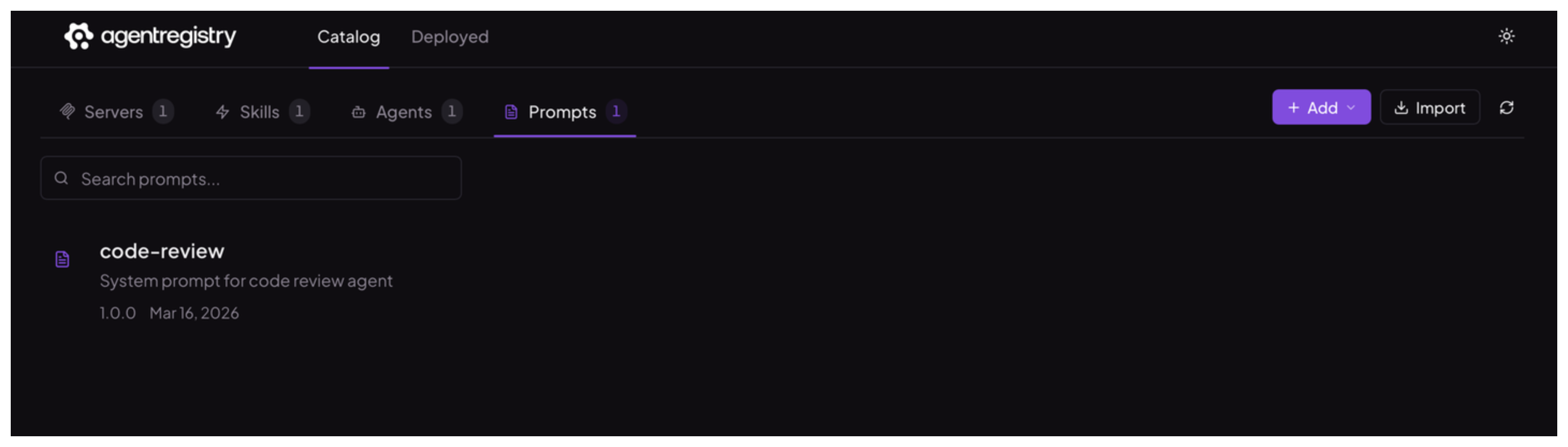
Optional: Open the agentregistry UI and go to the Prompts view. Verify that you can see your prompt.
Next
Cleanup
To delete a prompt version from agentregistry, use the arctl prompt delete command.
arctl prompt delete code-review --version 1.0.0