Install with Docker
Use this guide to install agentregistry for local development with Docker. This approach is useful if you want to run agentregistry from your local machine, an on-prem environment, or a VM. Agentregistry is spun up using Docker containers and you can use this installation to build, publish, and deploy AI artifacts to your local environment and Kubernetes clusters.
To install agentregistry in a Kubernetes cluster instead, see the Install in Kubernetes guide.
Before you begin
- Set up and start a Docker Engine on your local machine, such as Docker Desktop. Agentregistry uses Docker Compose to build Docker images and spin up AI artifacts.
- If you want to use agentregistry to push images to a Docker image registry, log in to your registry. For example, you might use Docker Hub (
docker.io) or GitHub Container Registry (ghcr.io). This step is only required if you want to build and push images to a remote registry. For local testing, you can skip this step and build images locally only.docker login
Install
-
Install the
arctlbinary on your local machine. The binary is automatically added to/usr/local/bin/arctl.curl -fsSL https://raw.githubusercontent.com/agentregistry-dev/agentregistry/main/scripts/get-arctl | bash -
Start the agentregistry daemon. This starts the Docker containers that power agentregistry.
arctl daemon startExample output:
Starting agentregistry daemon... ✓ agentregistry daemon started successfully -
Verify the installation by checking the version.
arctl versionExample output:
arctl version v0.3.3 Git commit: 89dc215 Build date: 2026-04-02 Server version: v0.3.3 Server git commit: 89dc215 Server build date: 2026-04-02 -
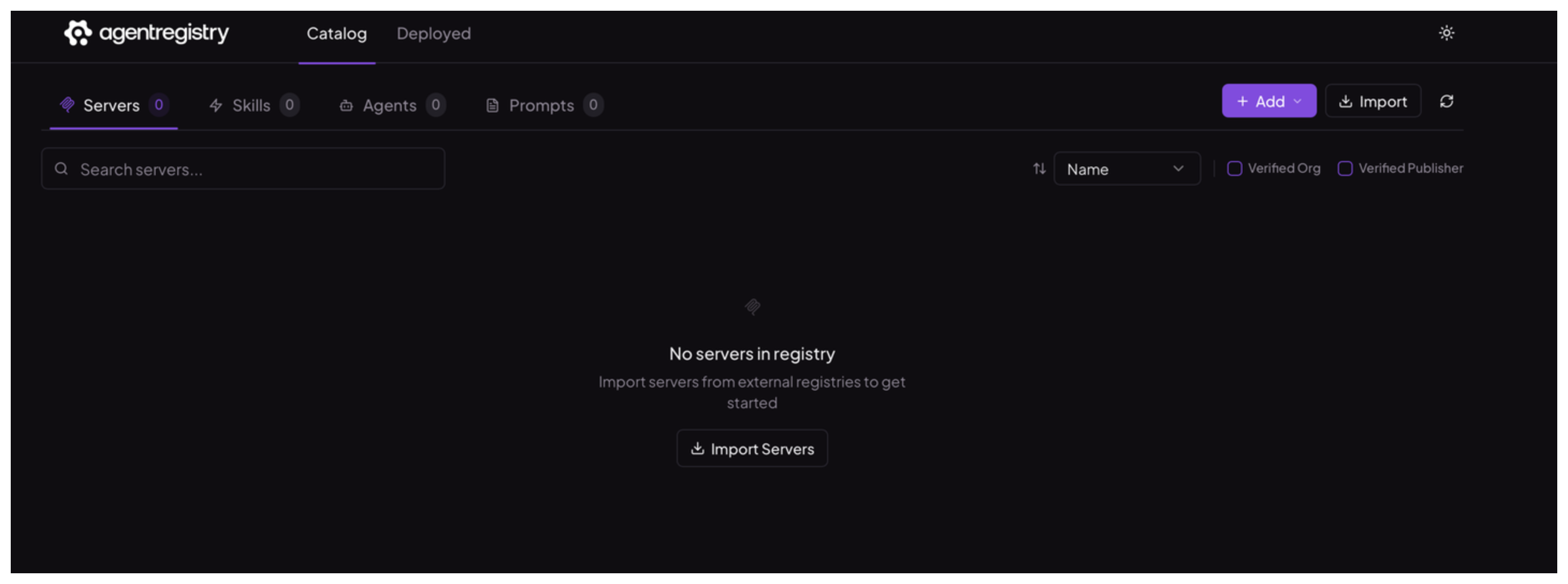
Open the agentregistry UI in your browser. The UI is automatically exposed on port
12121when the daemon starts.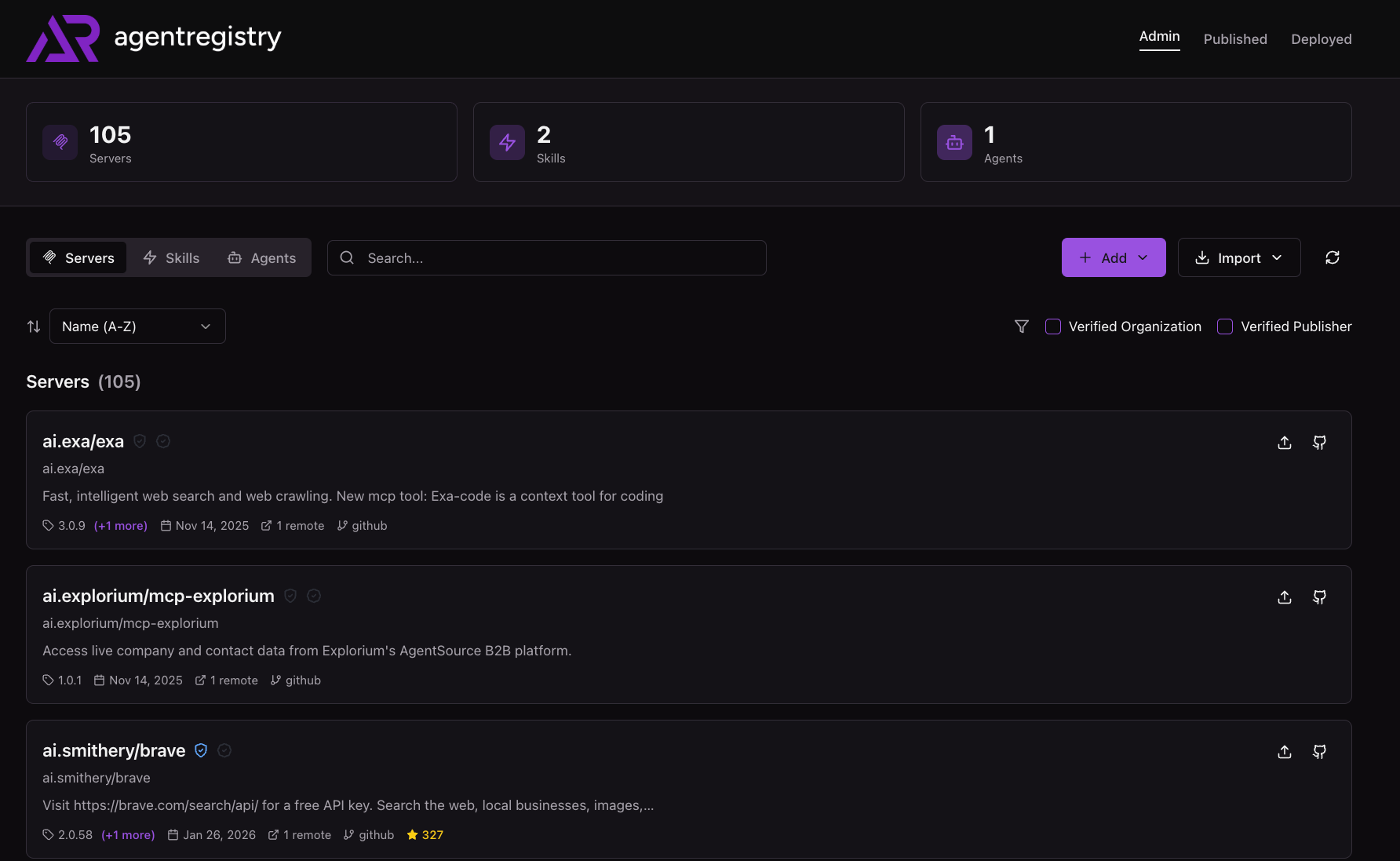
Next steps
With agentregistry up and running, you can explore how to build, publish, and deploy AI artifacts:
- Agents: Build, run, and publish Docker images for agents.
- MCP servers: Create and run MCP tool servers, add tools, and publish them as Docker images.
- Skills: Build and publish skills that you can add to your agents.
- Prompts: Build and publish prompts that you can add to your agents.